In this article
You have a website. You search for your business name or your service, and you cannot find it anywhere. A website not showing on Google is one of the most frustrating problems a business owner can face, especially after paying for a new site.
The good news is that the cause is usually one of a handful of common issues, and most can be fixed. This guide walks you through how to check what is happening and what to do about each problem, in plain language.
First, check if Google knows your site exists
Before fixing anything, find out whether Google has your site in its index at all. The index is Google's huge list of pages it can show in results.
Go to Google and type site: followed by your domain, with no space. For example: site:yourbusiness.com
- If you see results, Google has indexed at least some of your pages. Your problem is ranking, not indexing. Skip to the section on ranking below.
- If you see no results, Google has not indexed your site. Work through the indexing checks next.
For a clearer picture, set up Google Search Console. It is free, and it shows exactly which pages Google has indexed, which it has not, and why. If you only do one thing after reading this guide, do this.
Why your website is not showing on Google: indexing problems
1. Your site is brand new
Google finds new sites by following links and reading sitemaps. A brand new site with no links pointing to it can take days or weeks to be discovered.
Fix: add your site to Google Search Console, submit your sitemap (often at yourdomain.com/sitemap.xml), and use the URL Inspection tool to request indexing for your home page and key pages. Linking to your site from your Google Business Profile and social media profiles helps too.
2. Your site is telling Google to stay away
This is more common than you might think. During development, sites are often hidden from search engines on purpose, and sometimes nobody switches that off at launch.
Check for these:
- WordPress setting: in the dashboard, go to Settings, then Reading. If "Discourage search engines from indexing this site" is ticked, untick it and save.
- A noindex tag: a small line in a page's code that tells Google not to index it. Search Console's URL Inspection tool will tell you if a page is excluded by noindex.
- robots.txt blocking: a file at
yourdomain.com/robots.txt. If it containsDisallow: /underUser-agent: *, it is blocking crawlers from your whole site.
Fix: remove the block, then request indexing again in Search Console.
3. Technical errors stop Google from reading your pages
If pages return errors, load extremely slowly or depend on code Google struggles to read, they may not be indexed. The Page indexing report in Search Console lists problems such as server errors, redirect errors and pages not found.
Fix: work through the errors listed, starting with your most important pages. A developer can usually resolve these quickly once they are identified.
4. Google chose a different version of the page
If the same content exists at several addresses, for example with and without www, Google picks one version to show. If redirects and canonical tags are not set up properly, the version it picks might not be the one you want, or your pages can compete with each other.
Fix: choose one main address for your site, redirect the others to it, and make sure each page points to its own main address with a canonical tag.
5. A penalty or security issue
This is rare for small businesses, but possible, especially if the site was hacked or a past SEO provider used spammy tactics. Search Console shows any manual actions and security issues in their own reports.
Fix: clean up the problem described in the report, then request a review from inside Search Console.
Indexed but not ranking? Common reasons
If your site: search shows pages but you still do not appear for searches like "interior designer in Surat", Google knows your site but does not rank it highly yet. Common reasons:
Your pages do not match what people search for
If your home page says "Welcome to our company" and never mentions your actual services or city, Google has little reason to show it for those searches. Each main service deserves its own page that clearly says what you do and where.
Your content is thin
A page with two lines of text and a photo rarely beats a competitor's detailed page. Explain your service properly: what it includes, who it is for, how the process works and answers to common questions.
Competitors have more trust
Older sites with more reviews, links and mentions across the web often rank above newer ones. You can catch up by earning reviews, listing your business on trusted directories and getting mentioned by local partners or media.
Your site is slow or hard to use on phones
Google mainly looks at the mobile version of your site. A slow site that is awkward on a phone loses visitors and can struggle in rankings.
Your business is not set up for local search
For searches with "near me" or a city name, Google often shows a map with local businesses first. Without a complete Google Business Profile, you can miss that whole section of the results.
A quick checklist
- Search
site:yourdomain.comto check indexing. - Set up Google Search Console and submit your sitemap.
- Make sure nothing blocks search engines: WordPress settings, noindex tags, robots.txt.
- Fix errors in the Page indexing report.
- Give each service its own detailed page that mentions your city.
- Improve speed and mobile usability.
- Create and complete your Google Business Profile.
- Earn reviews and trusted local mentions steadily.
How long until you show up?
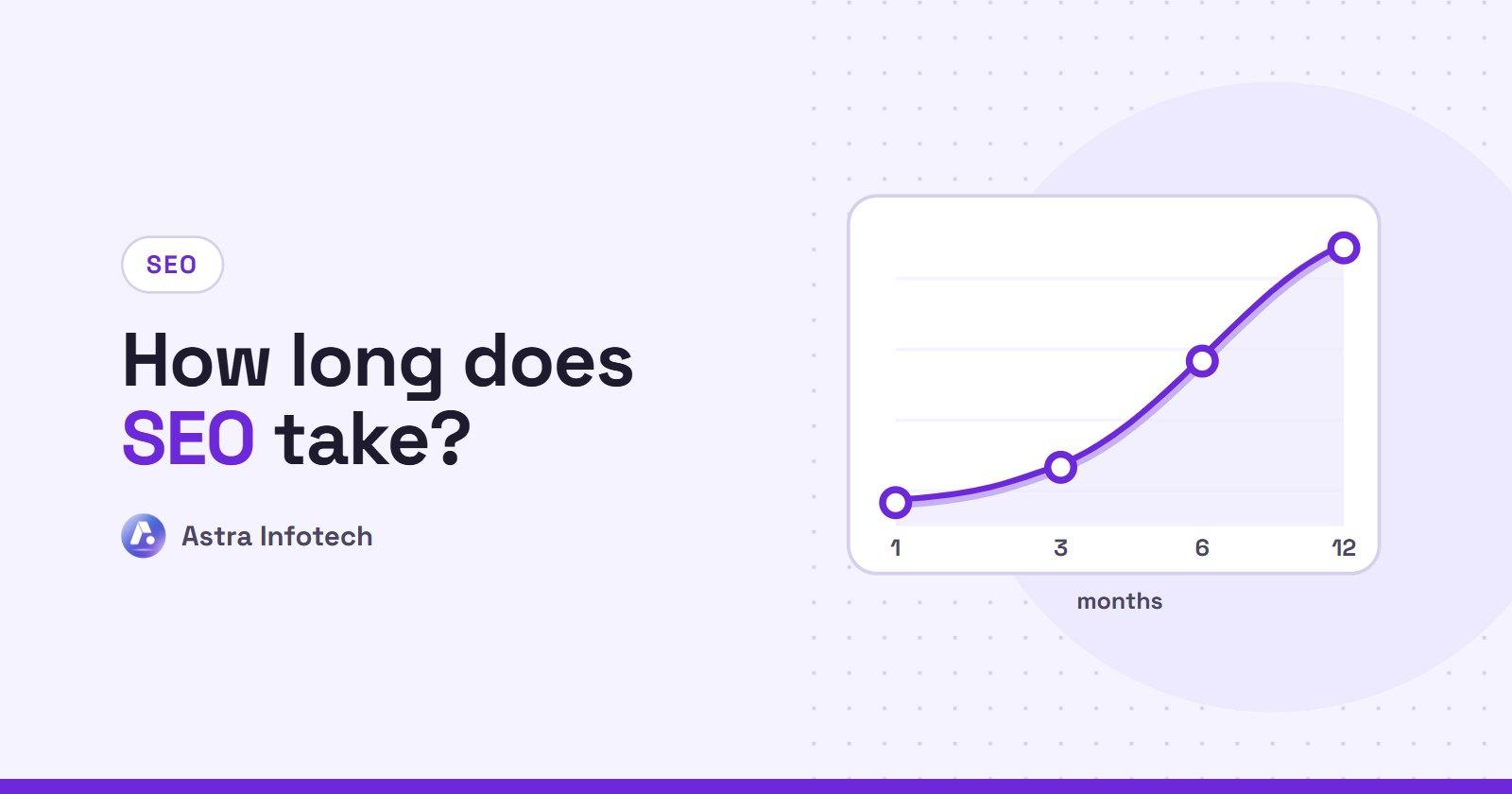
Once indexing problems are fixed, pages can appear in Google within days to a few weeks. Ranking well for competitive searches takes longer, often a few months of steady work. We explain the full timeline in our guide on how long SEO takes.
Get your website found
If you have worked through this list and still cannot find your site, or you simply would rather have someone handle it, we can help. Our SEO services start with a full technical audit that finds exactly why Google is not showing your site, followed by a clear plan to fix it.
Send us your website address and we will tell you what is holding it back. Get a free quote.
 Astra Infotech
By Astra Infotech
Guides written by the Astra Infotech team in Surat, based on the websites, stores and SEO work we deliver for clients.
Meet the team