In this article
If you are planning an online store, the Shopify vs WordPress question comes up early. Both platforms power a huge number of stores around the world, and both can work well for an Indian business. The right choice depends on what you sell, how much control you want and who will run the store day to day.
This guide compares the two in plain language. On the WordPress side, we mean WordPress with WooCommerce, the free plugin that turns a WordPress site into a store. By the end, you should know which one fits your business.
The short answer
- Choose Shopify if you mainly sell products, want to launch quickly and would rather not deal with hosting, updates or security.
- Choose WordPress with WooCommerce if content matters as much as products, you want full control over the site, or you need custom features that Shopify apps do not handle well.
Now let us look at the details.
How each platform works
Shopify
Shopify is a hosted platform. You pay a monthly plan fee, and Shopify takes care of hosting, security, updates and the checkout. You manage products, orders and customers from one dashboard or the mobile app. Extra features come from the Shopify App Store, and many apps have their own monthly fee.
WordPress with WooCommerce
WordPress is open-source software you install on your own hosting. WooCommerce adds products, a cart and a checkout. The software is free, but you pay for hosting, a domain, and any premium themes or plugins. You own every file, and you, or your developer, are responsible for updates, backups and security.
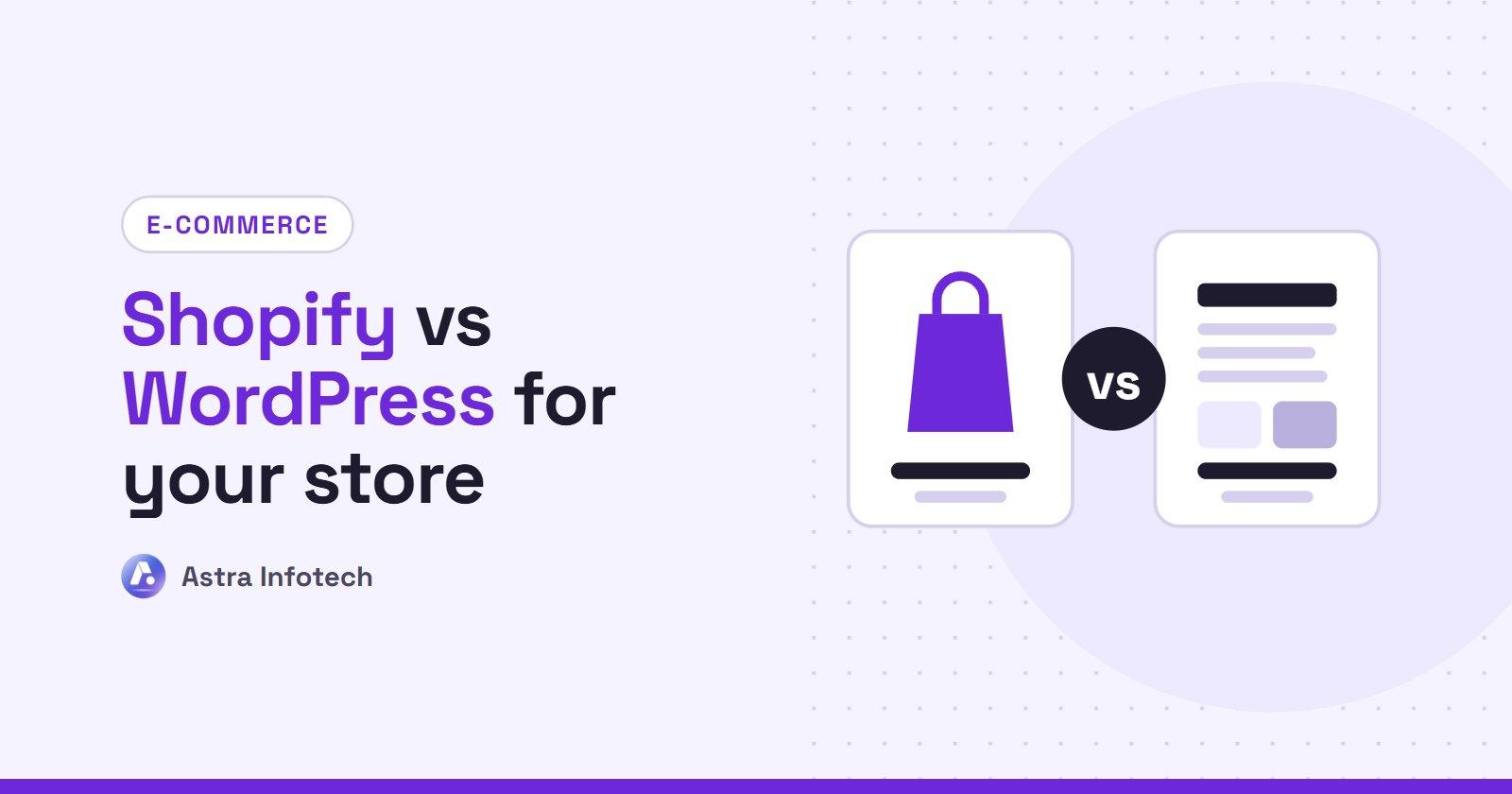
Shopify vs WordPress: side by side
Setup and ease of use
Shopify wins for a quick, simple start. You can have a clean store running in days, and the dashboard is easy to learn for staff who are not technical.
WordPress takes more setup. Hosting, theme, plugins and payment gateways all need configuring. Once it is set up well, day-to-day work like adding products or writing blog posts is straightforward.
Cost
The cost shape is different, not simply higher or lower.
- Shopify: a predictable monthly plan, plus paid apps, plus possible transaction fees depending on your plan and payment gateway. Check Shopify's current India pricing, as plans and fees change.
- WordPress: low software cost, but you pay for hosting, maintenance and premium plugins. Costs can stay low for a small store and rise as you add features.
Over two to three years, the total is often similar for small stores. The difference is how you pay: monthly to Shopify and app makers, or yearly for hosting and maintenance.
Payments in India
Both platforms work with the payment gateways Indian businesses commonly use, such as Razorpay, PayU, Cashfree and CCAvenue, so you can accept UPI, cards, net banking and wallets. Cash on delivery is easy to set up on either.
On Shopify, using a third-party gateway may add a Shopify transaction fee on top of the gateway's own fee, depending on your plan. Ask about this before you choose a plan. WooCommerce does not charge its own transaction fee; you only pay your gateway.
Design and flexibility
Shopify themes look polished and are built for selling. You can customise a lot, but some changes to the checkout and core structure are limited.
WordPress gives you almost total freedom. If you can describe it, a developer can usually build it. That flexibility is powerful, but it also means more choices to make and more to maintain.
SEO and content
Both can rank well on Google when set up properly. Good product titles, descriptions, fast loading and clean structure matter more than the platform.
WordPress has an edge if content is a big part of your plan. Its blogging tools are the best available, and SEO plugins give fine control over every page. Shopify has a blog and solid SEO basics, but it is less flexible for content-heavy sites.
Speed and security
Shopify handles speed and security for you. Hosting is fast, and security updates happen automatically.
On WordPress, speed and security depend on your hosting, theme and plugins. A well-built WooCommerce store on good hosting is fast and safe. A store with cheap hosting and too many plugins can be slow and vulnerable. Regular updates and backups are essential.
Growth
Shopify grows with you smoothly. Busy sale days and traffic spikes are handled on Shopify's side.
WooCommerce can also handle large stores, but you will need to upgrade hosting and tune performance as you grow.
Which one should you choose?
Shopify suits you if:
- Selling products is the main purpose of the site
- You want to launch in weeks, not months
- Your team wants a simple dashboard and mobile app
- You prefer a predictable monthly cost to managing hosting
- You plan to sell to customers outside India too
WordPress with WooCommerce suits you if:
- You publish lots of content, such as guides, recipes or articles
- You sell a few products alongside services or bookings
- You need custom features, such as unusual pricing or B2B ordering
- You want full ownership of your site and data
- You already have a WordPress site and want to add a shop
A quick example
A clothing brand in Surat with 300 products, regular sales and Instagram traffic is usually happier on Shopify. A consultant who sells three online courses alongside a busy blog is usually happier on WordPress.
Can you switch later?
Yes. Products, customers and orders can be moved between the platforms. A migration takes planning, especially to keep your Google rankings with proper redirects, so it is worth choosing carefully at the start.
Need help choosing?
If you are still unsure, that is normal. The right answer depends on your products, budget and plans for the next two years. Our Shopify development service covers store setup, custom themes and migrations, and we build WooCommerce stores too, so we will recommend what fits you rather than what we prefer to build.
Tell us what you sell and how you want to grow, and we will suggest the right platform with a clear price. Get a free quote.
 Astra Infotech
By Astra Infotech
Guides written by the Astra Infotech team in Surat, based on the websites, stores and SEO work we deliver for clients.
Meet the team